Operational systems and databases
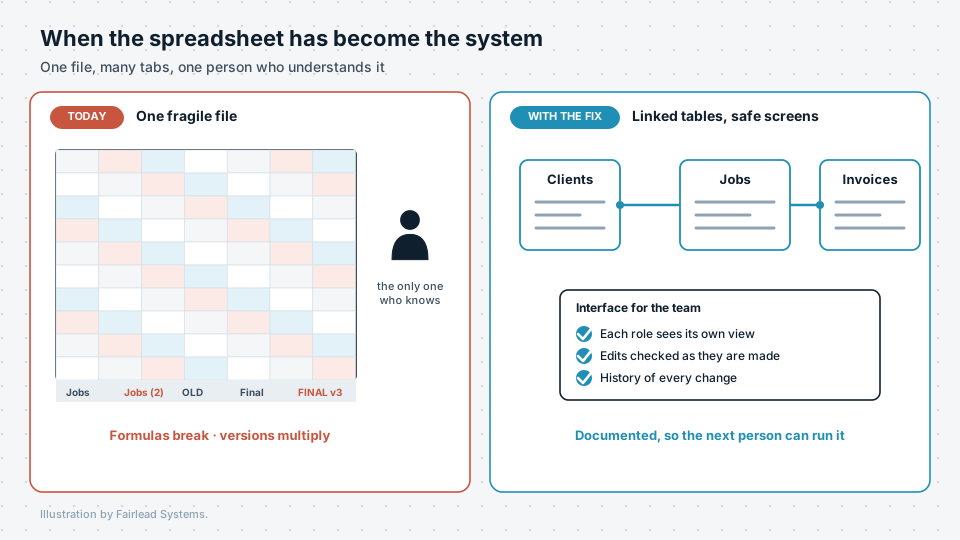
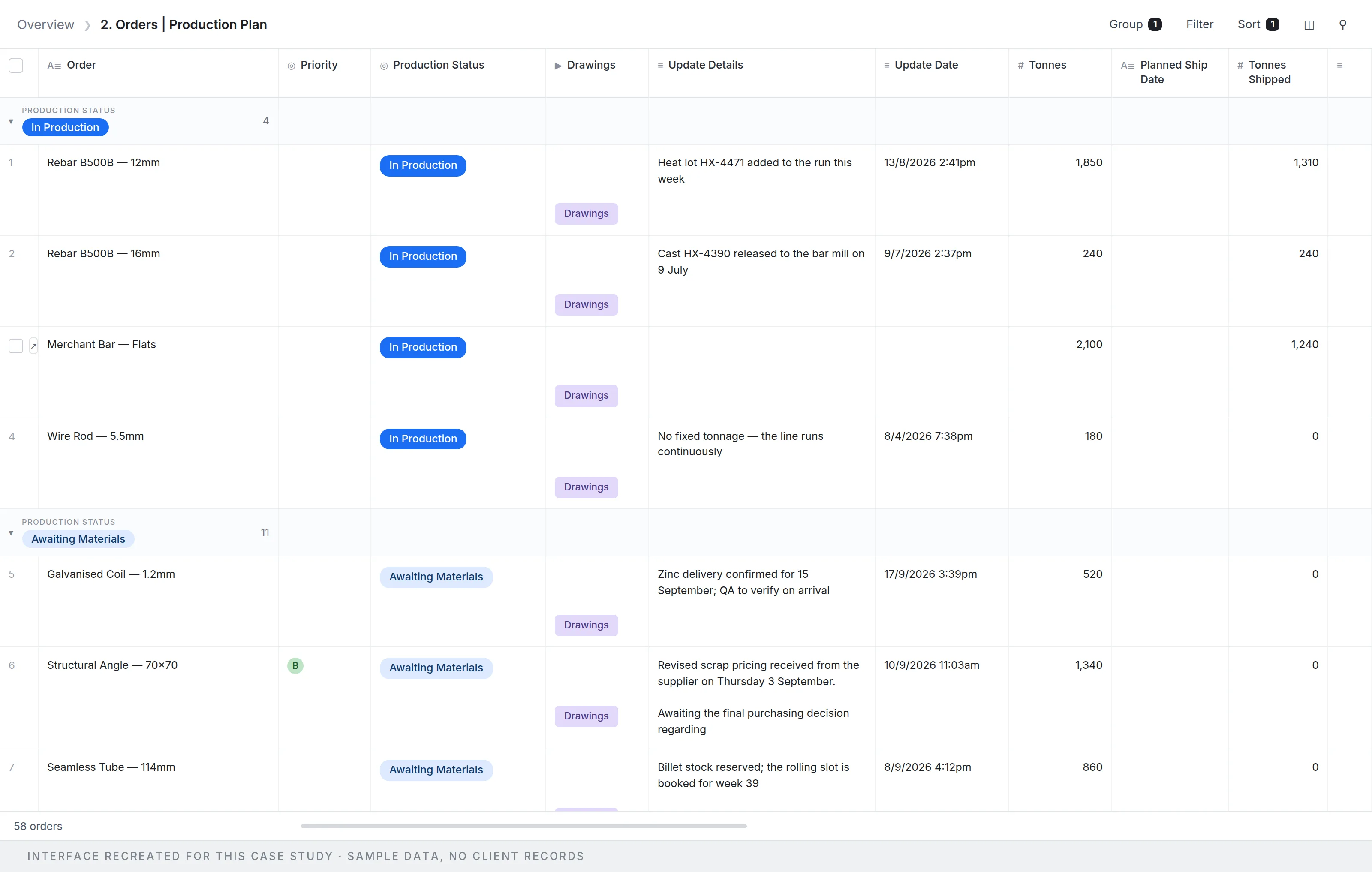
The system your team works in every day, built in Airtable or, when the work has outgrown it, in PostgreSQL underneath — designed around the work and built to be handed over.
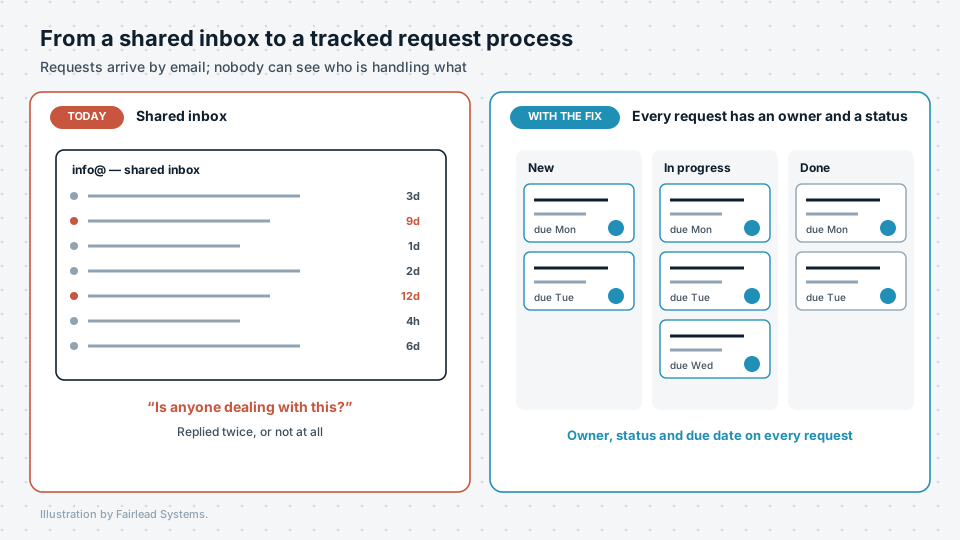
- The process mapped as it runs today, before anything is built — who touches it, which systems it crosses, where it waits.
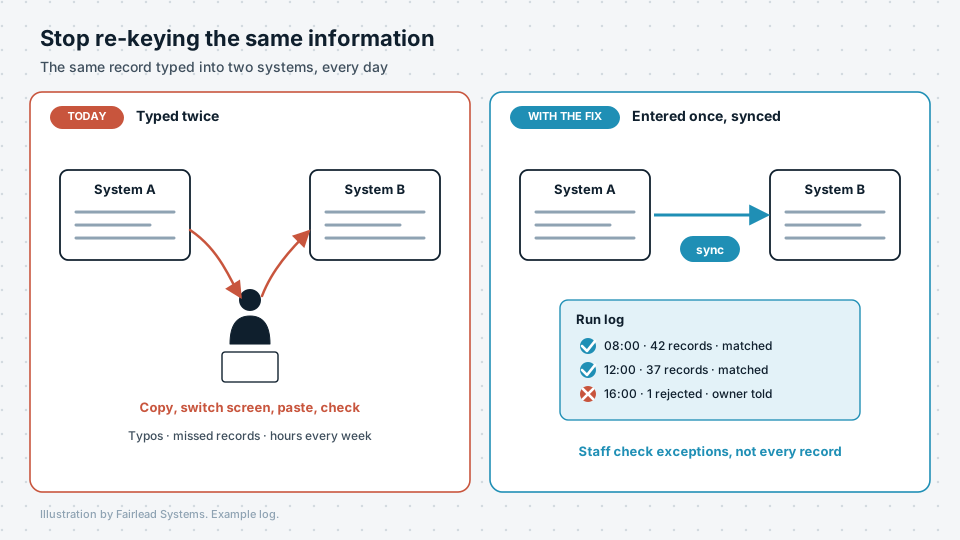
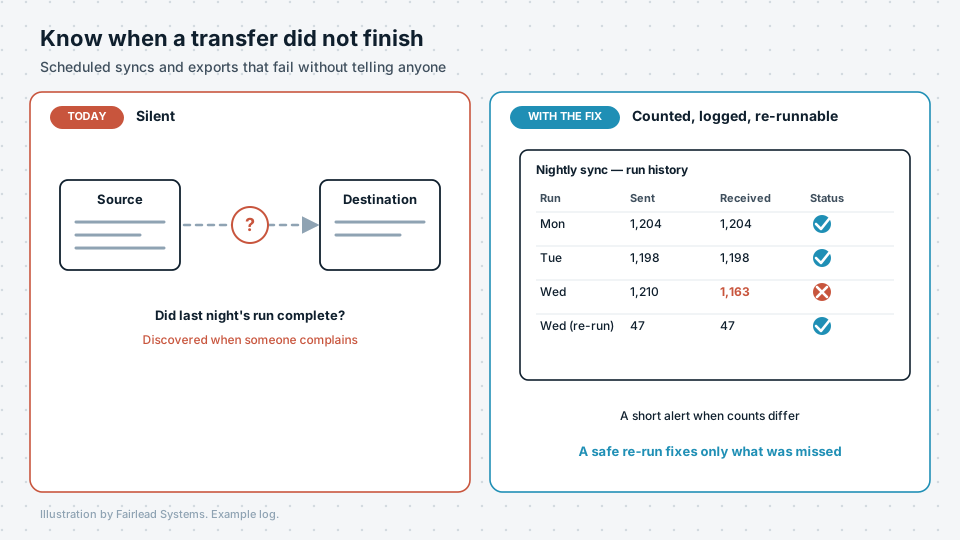
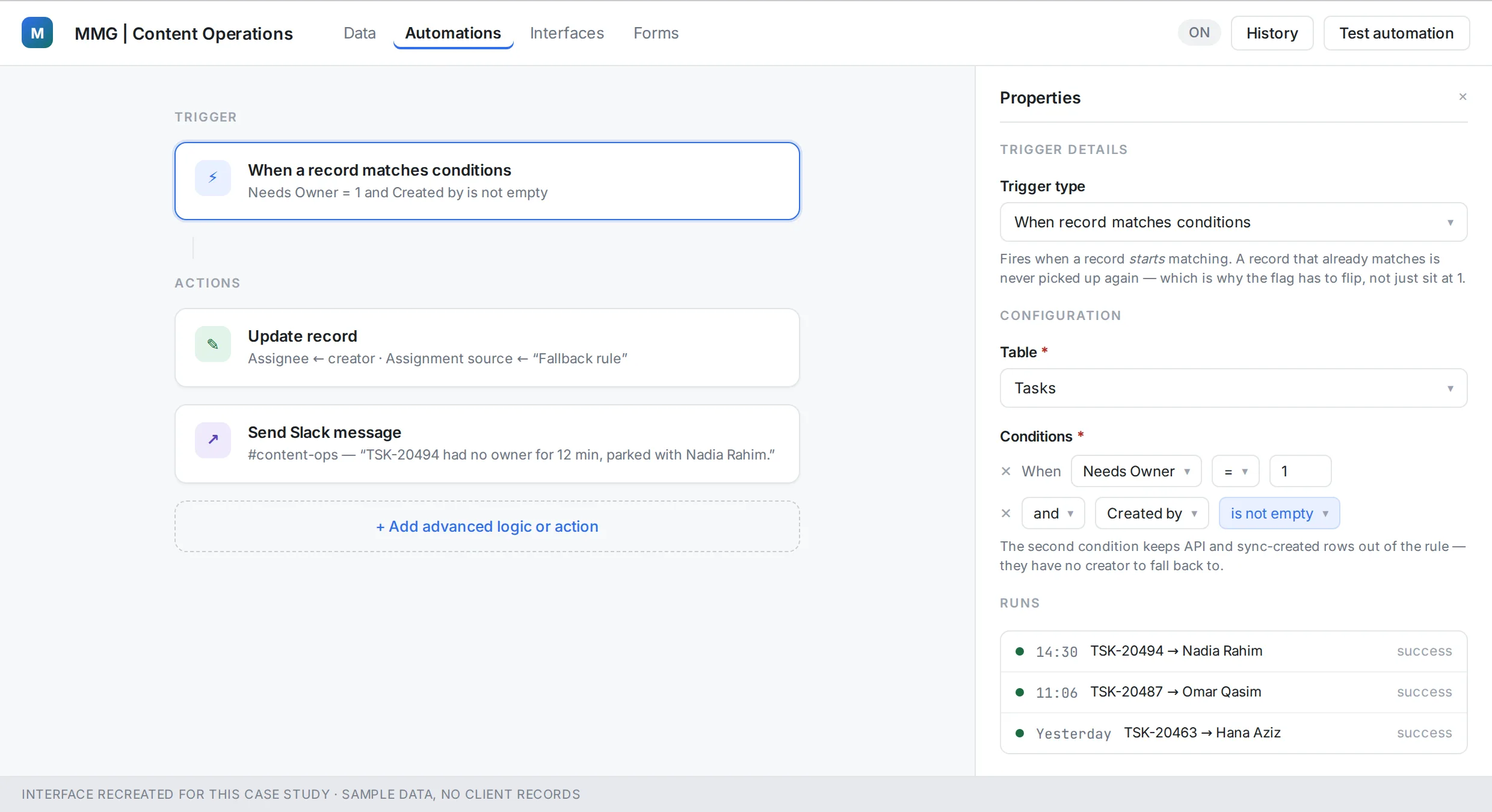
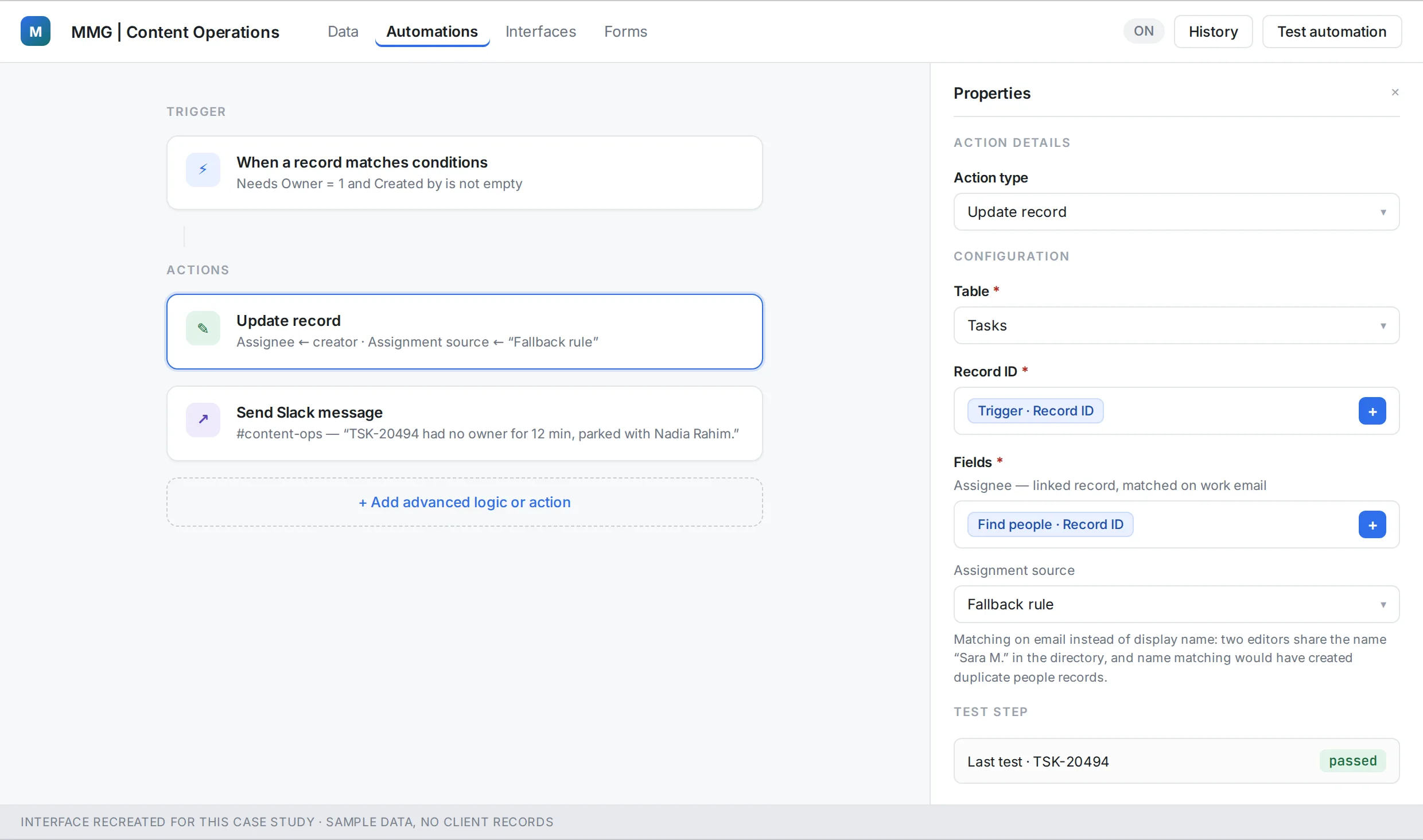
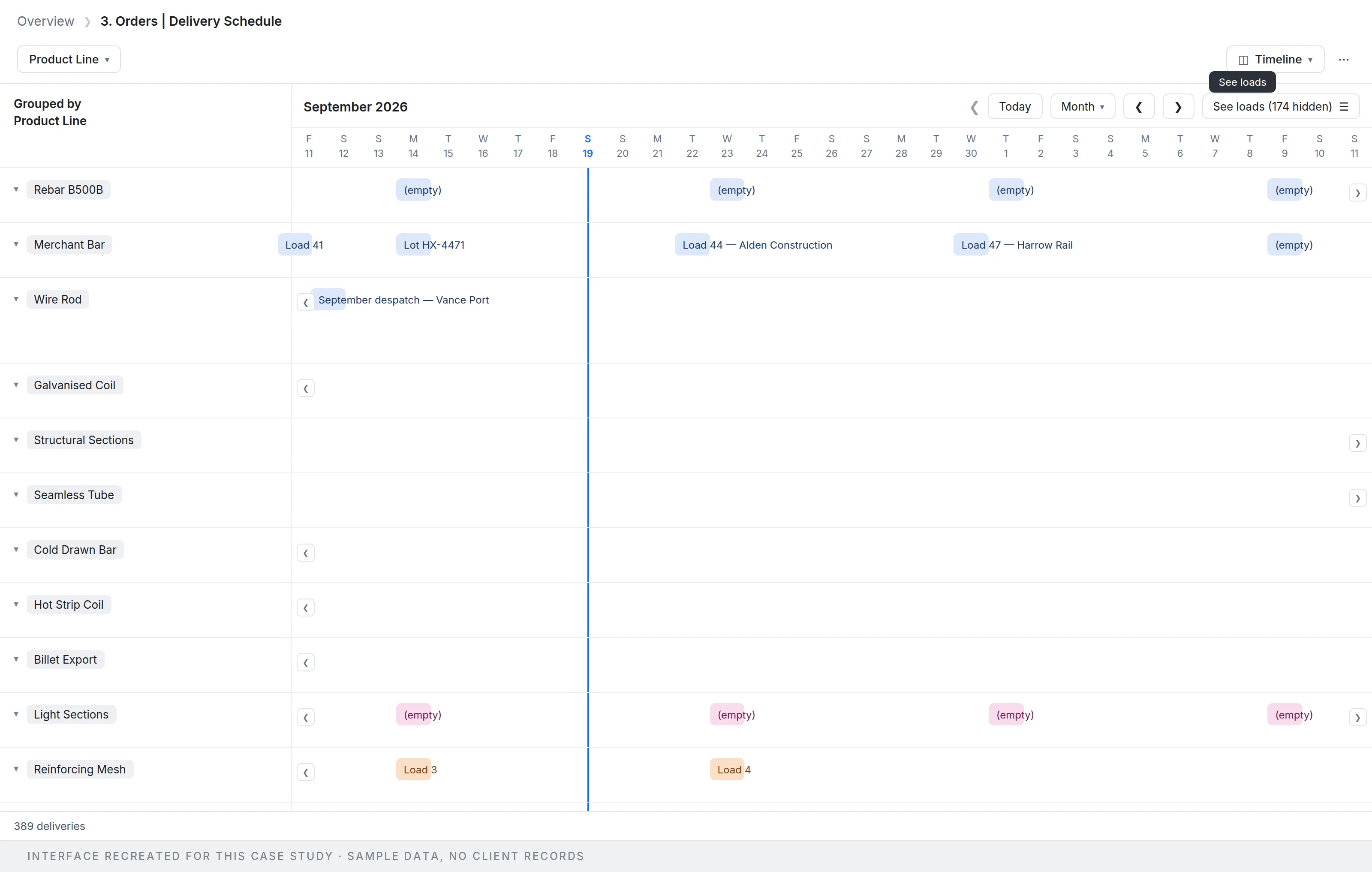
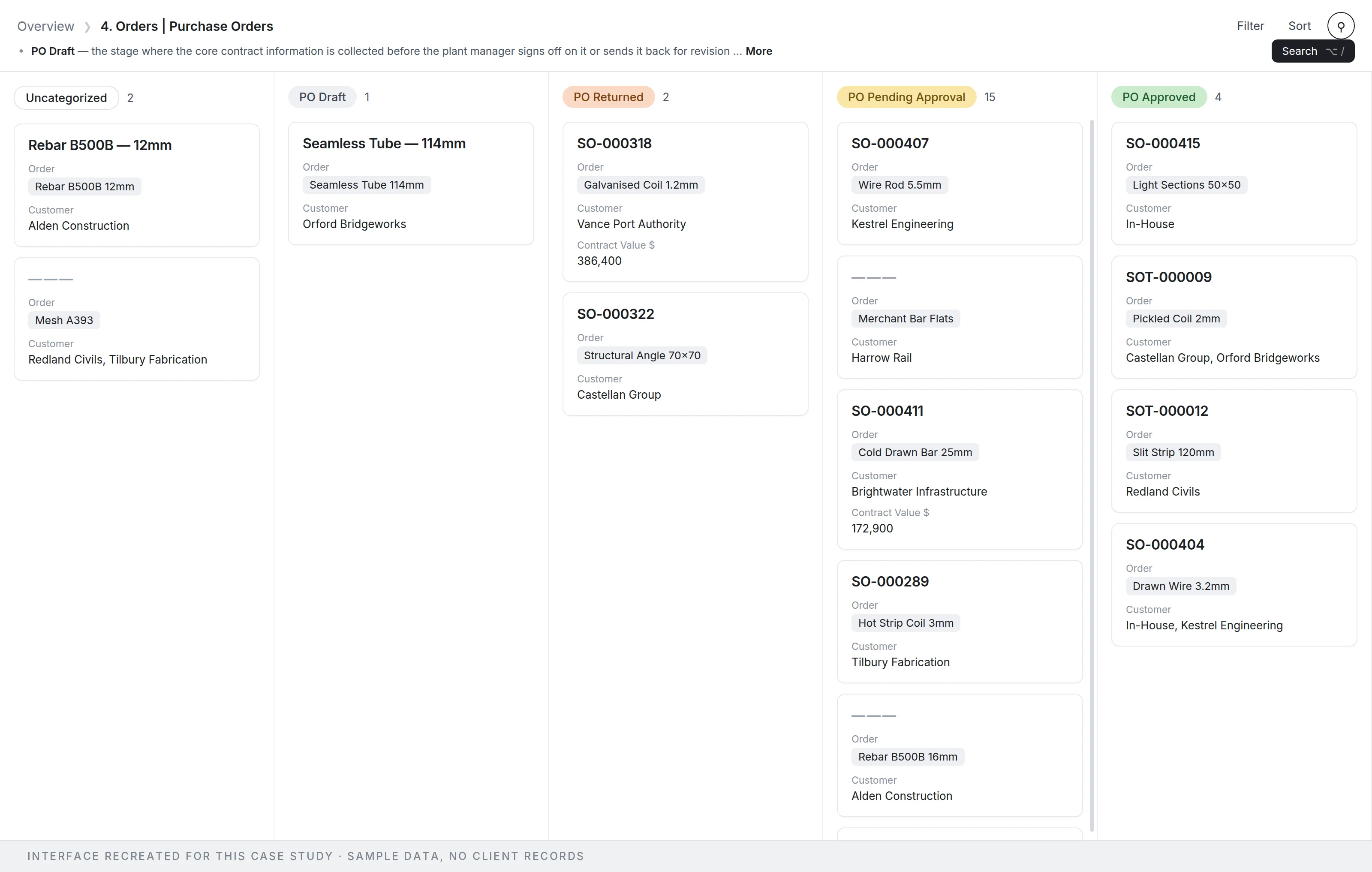
- The base or database, its interfaces and its automations, built in your own accounts and tested against real records with your team. Where a platform has hit its limits, a PostgreSQL layer underneath, with sync direction declared per table and a sync that is safe to re-run.
- Documentation and a walkthrough for whoever will own it after we leave.
Fit for: Teams running operations on spreadsheets, email and tribal knowledge; an existing base that has grown without a plan; or a platform that has hit its row limits and whose reporting has stopped being answerable.
See it in practice: A staged migration where the old system stayed live
Portals and self-service
Let the people you serve register, pay and check their own records online, with access granted by the system rather than by someone remembering to.
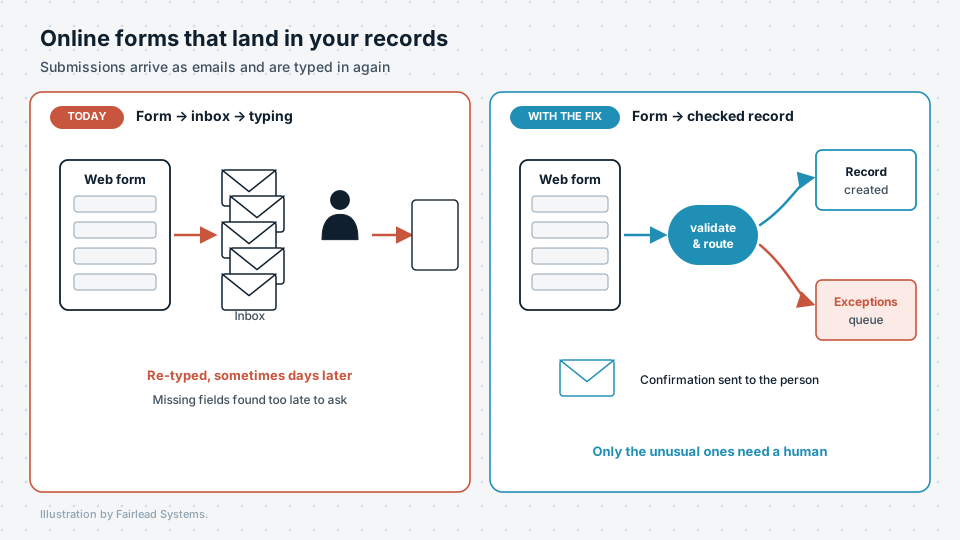
- Online forms that become complete, linked records on arrival, in more than one language where needed, with repeat submissions recognised rather than duplicated.
- Payments and instalment plans recorded with the terms the person accepted and the receipt attached, and access granted once payment is confirmed.
- A passwordless way for people to check their own status, using a one-time code sent to the email address already on their record.
Fit for: Organisations whose registrations, renewals or payments arrive by form or email and are then set up by hand in two or three systems.
See it in practice: From payment proof to course access · Instalment plans and passwordless access
Dashboards and reporting
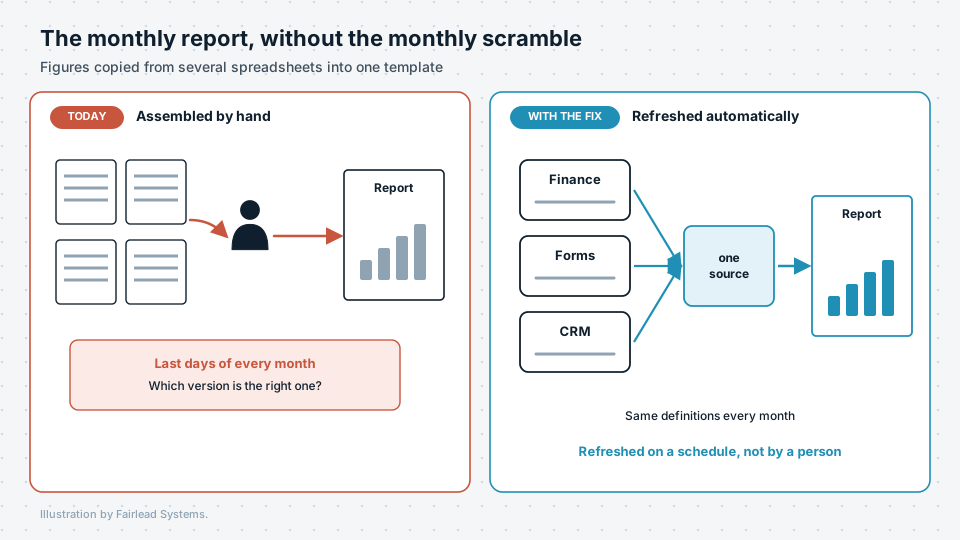
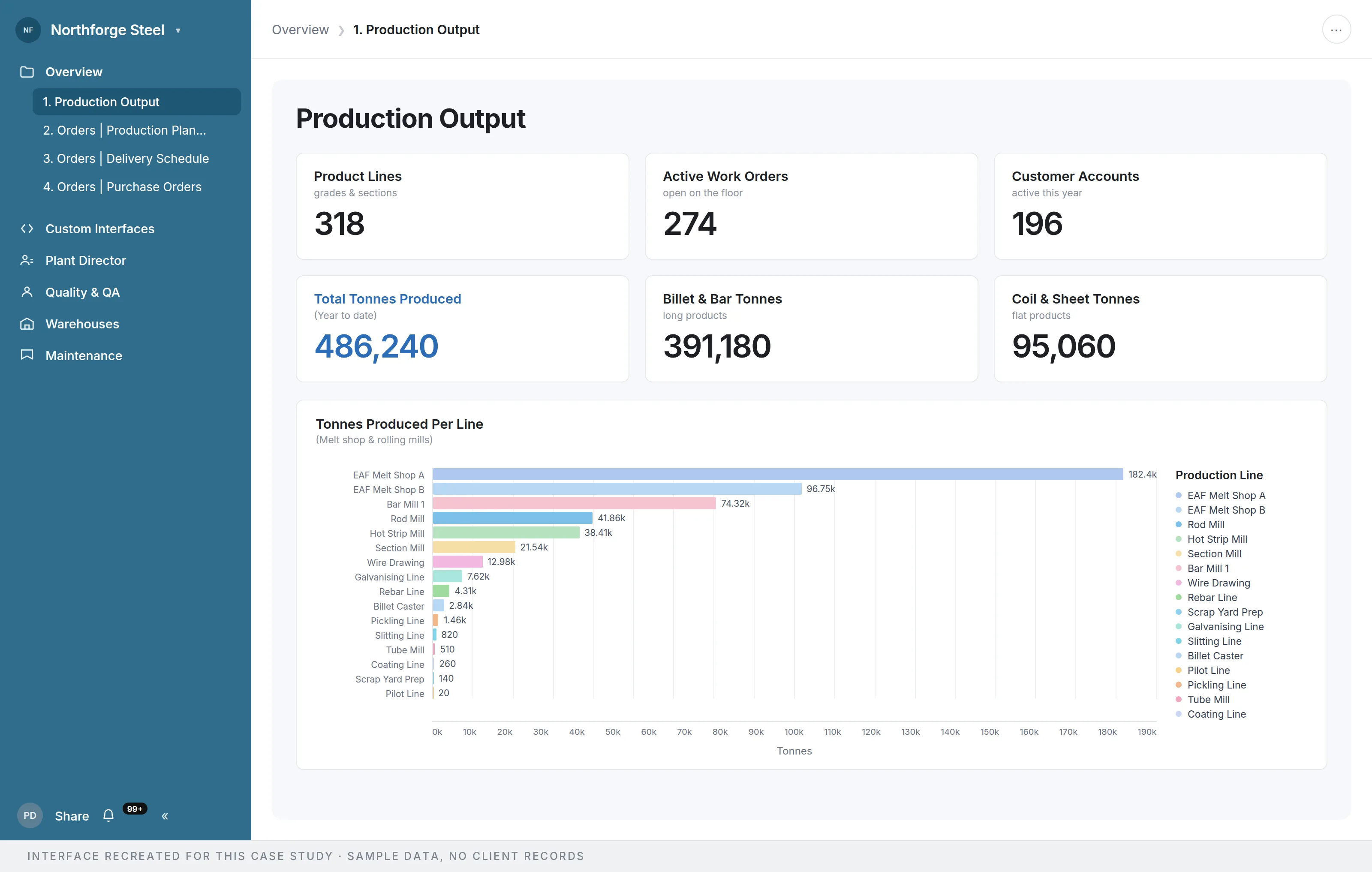
Live figures your managers can trust, read from the records themselves rather than copied into a spreadsheet each month.
- An agreed definition for every figure — what counts, from which system, as of when — written down before anything is drawn.
- Dashboards that read precomputed figures, so they load quickly and show everyone the same number, with red, amber and green set against thresholds you choose.
- Scheduled reports sent to the people who need them, with a note on each figure saying where it came from.
Fit for: Teams whose monthly report is assembled by hand from several files, or whose dashboards show different numbers depending on who opened them.
See it in practice: Finance review loop and live dashboard
Recordings archive and transcription
Turn years of recorded meetings, lectures or sessions into an archive that cannot be deleted by mistake and can be searched by what was said.
- Every file copied into write-once storage, checked against its source before it is locked, with nothing that already exists overwritten.
- Machine transcripts with timestamps, with the transcription model chosen by measuring it on a sample of your own recordings, and run on hardware in your building where the audio must not leave it.
- A catalogue with full-text search across the transcripts, labelled plainly as machine output rather than a verified record.
Fit for: Councils with meeting recordings, universities and colleges with lecture capture, and any organisation holding recordings it has to keep but cannot search.
See it in practice: An archive nobody can delete · 21,000 hours transcribed on one office machine